New Updates: Display All Participants' Calendars at Once & Drag to Schedule!
Thank you for using Lynx!
We’re excited to introduce two major improvements based on your feedback in our latest update. These new features make scheduling even more seamless and intuitive!
View All Participants' Calendars in One Click
Scheduling conflicts? No problem!
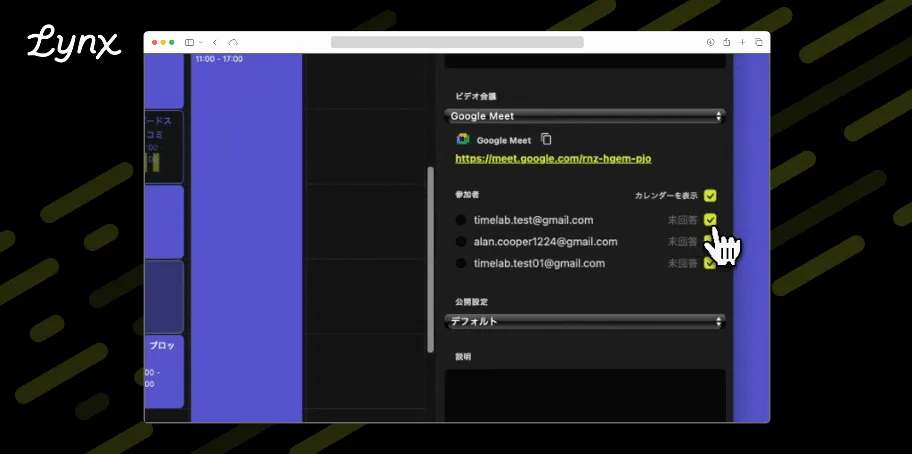
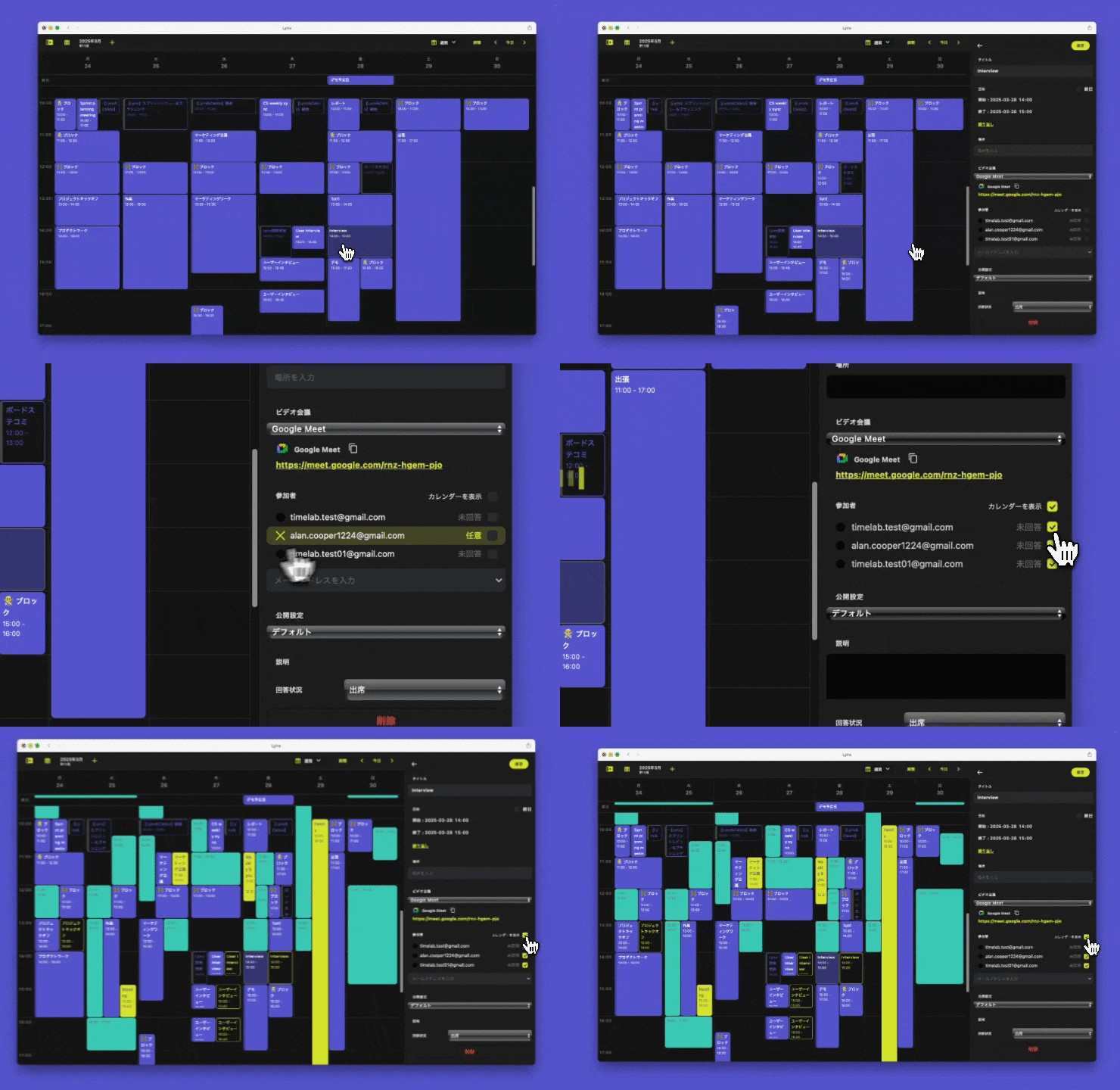
Now, with a single click on [Show Calendars] in the participant section, you can instantly display all participants' calendars at once. No more manually opening them one by one!
This feature makes it easier than ever to find a suitable time when rescheduling meetings. Give it a try and streamline your workflow!
Drag to Create and Adjust Events – A More Intuitive Way to Schedule
Previously, adding an event in Lynx required clicking on the desired time slot and manually setting the duration.
With this update, you can now drag to create and adjust events directly on your calendar—making scheduling more intuitive and effortless!
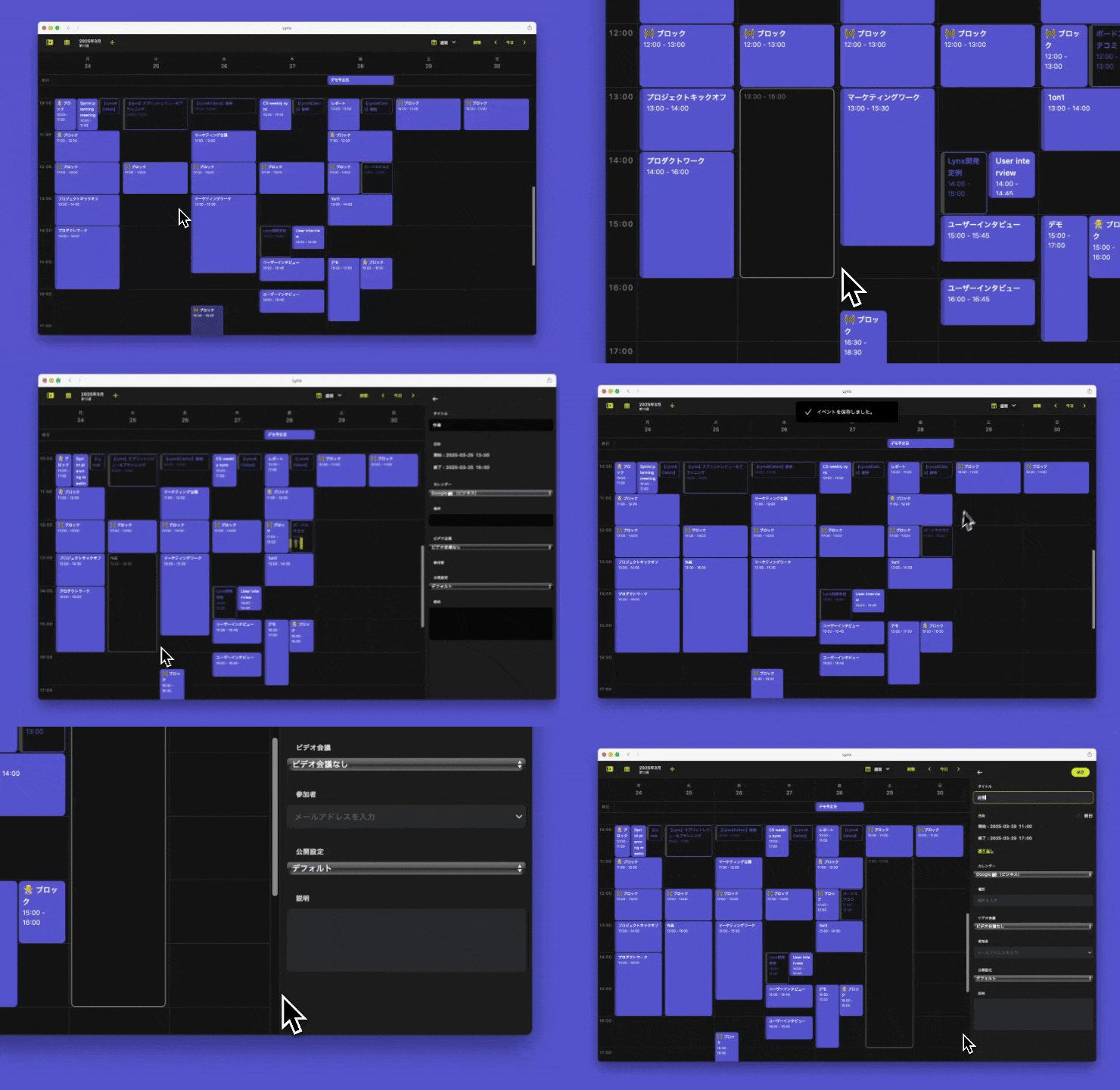
This enhancement was made possible thanks to user feedback. We truly appreciate your insights and are committed to continuously improving Lynx based on your suggestions.

(See real user feedback on Lynx feedbacks)
Join the Lynx Community on Discord!
Loving Lynx? Join our Lynx Community on Discord!
By becoming a member, you can:
✅ Get early access to update information
✅ Share feedback directly with our development team
✅ Participate in upcoming community-driven Lynx events
We’re actively working on new ways to enhance your experience. Join us today!
Help Shape the Future of Lynx!
Lynx is continuously evolving, and your feedback is invaluable.
Have a feature request? A suggestion to make Lynx even better? Let us know!
💡 Submit your feedback here: Lynx feedbacks
Thank you for being part of the Lynx journey! 🚀