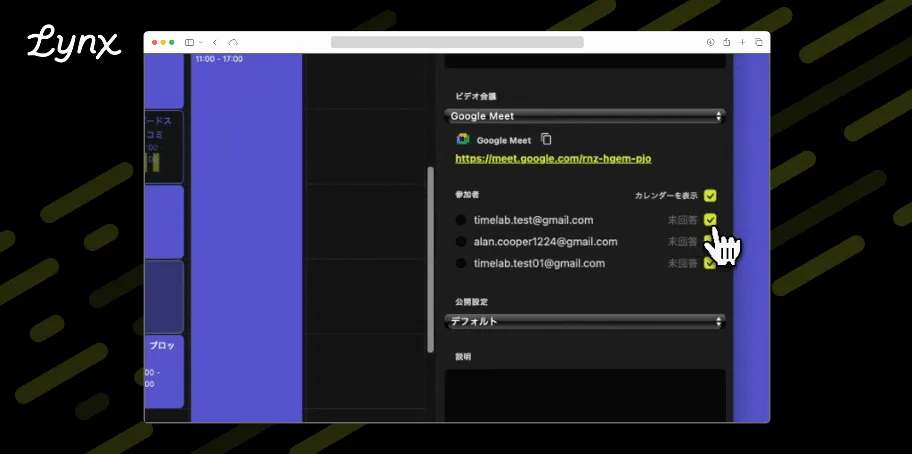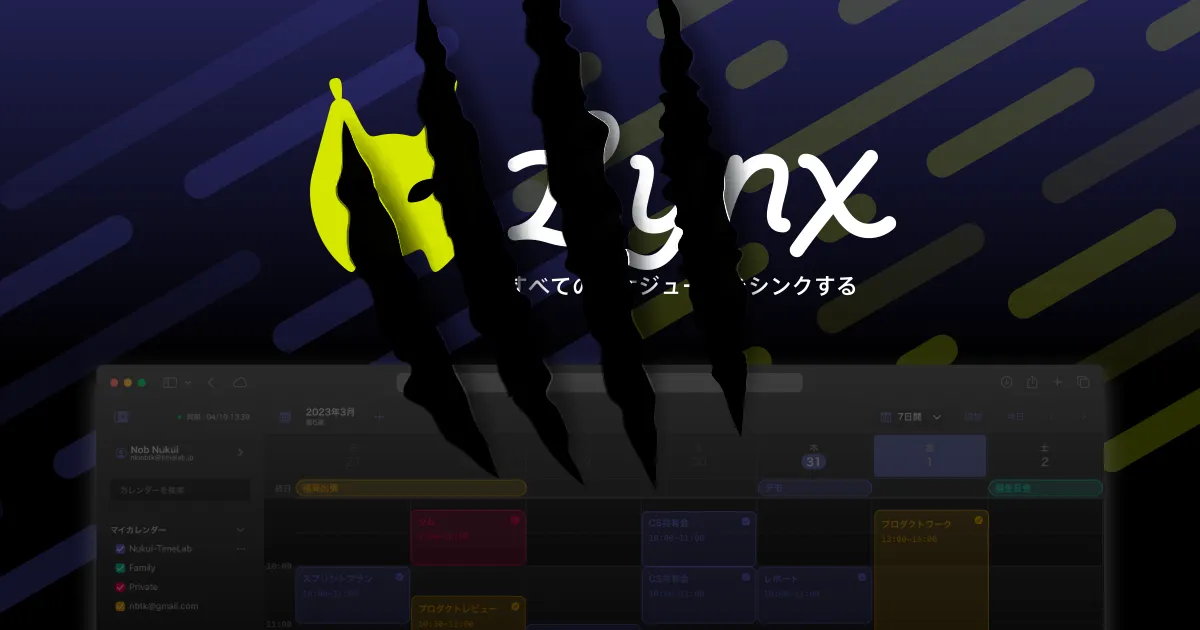
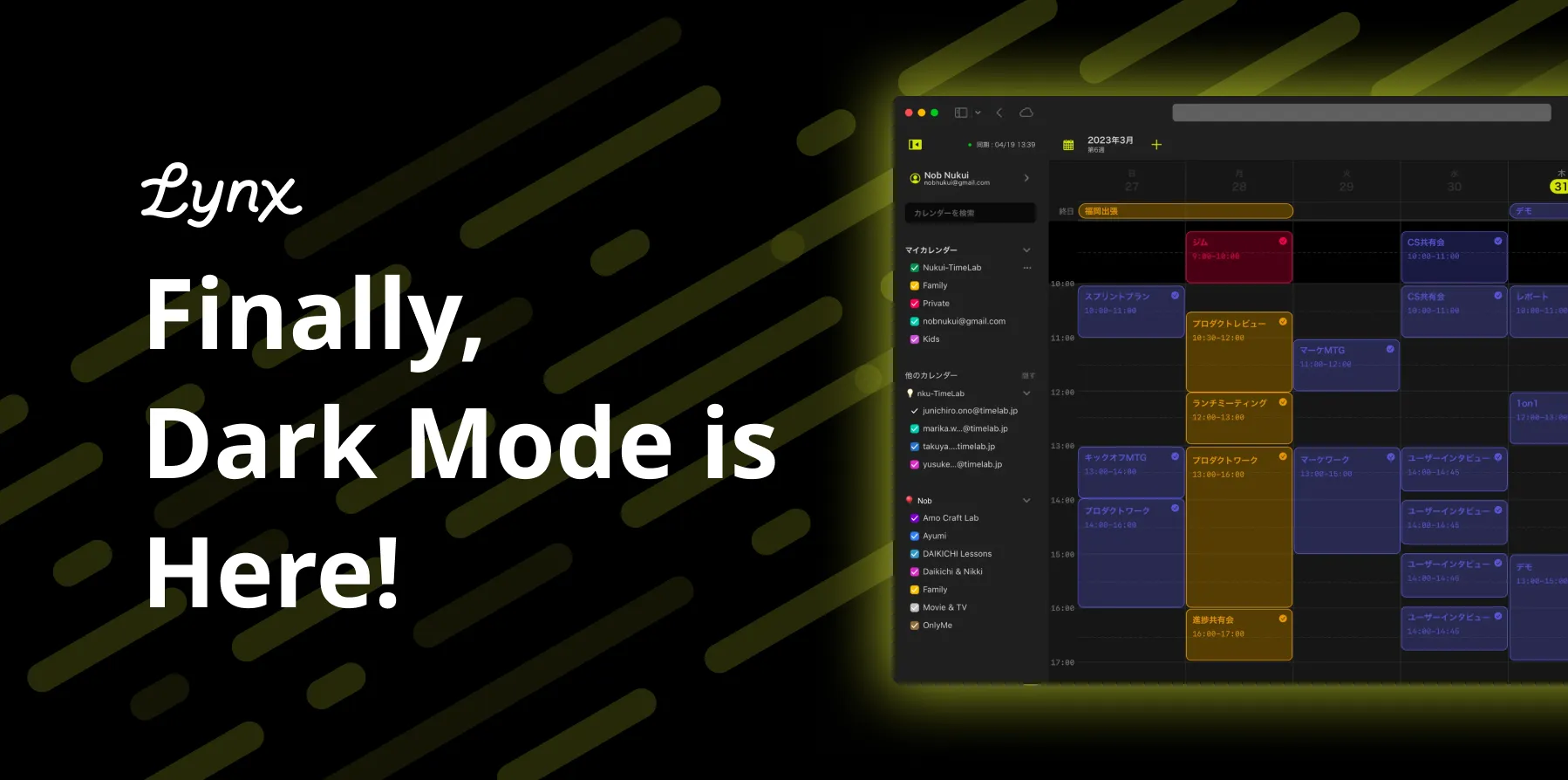
The long-awaited dark mode is now available for Lynx!
Thank you for using Lynx.
We're pleased to announce that dark mode, which many of our customers have requested, is finally here!
Ever since we decided to rebrand Lynx, we've wanted to make dark mode available to express the Lynx worldview, so we're happy we can bring it to our users now!
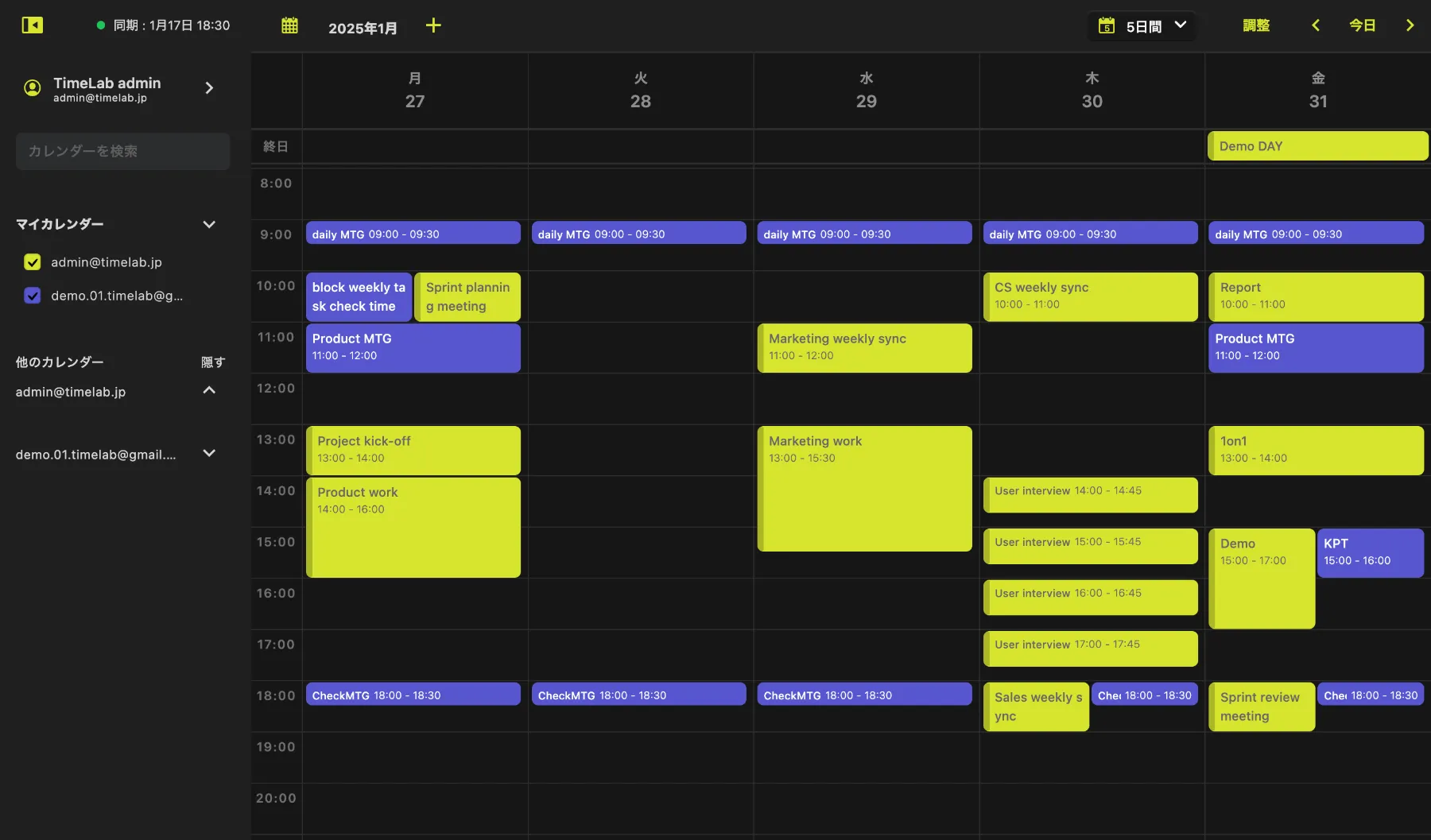
By the way, if you set the following color code as your calendar color, you can let Lynx match its brand color. Please give it a try!
- #D8E52E
- #5756CF
How to set it up
Simply go to Settings > Display to customize the appearance preference.
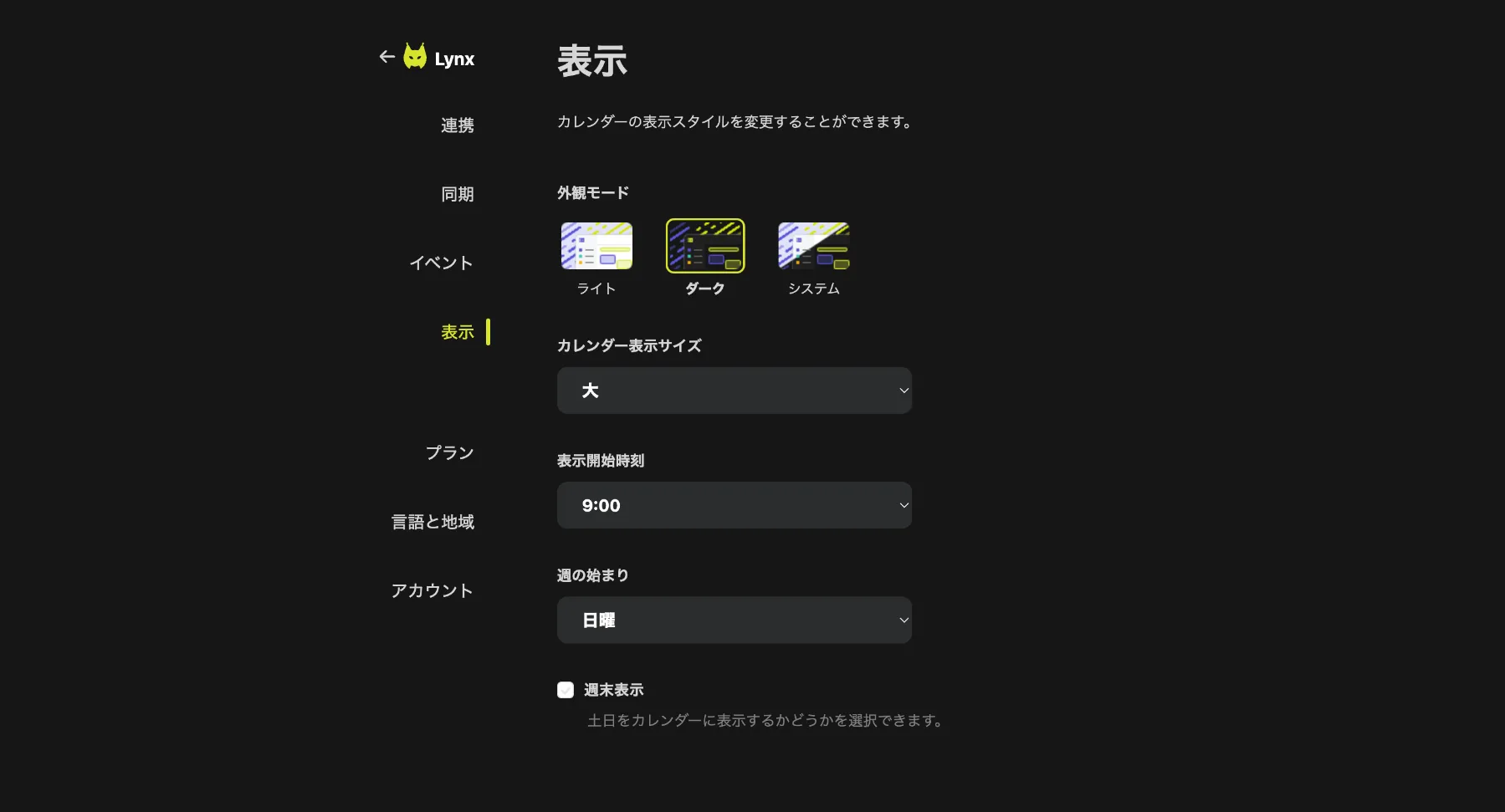
- Light mode: Traditional light color scheme.
- Dark mode: Dark background color scheme.
- System: Based on your browser and OS settings.
With this update, Lynx has evolved into a calendar that better adapts to diverse lifestyles and usage scenarios. Enjoy a smoother experience with the new dark mode!
Have more fun with Lynx
We invite every Lynx user to join the Lynx Community on Discord! If you’re interested, you’re always welcome to join!
In the Lynx Discord, you can:
- Get the latest updates
- Share your usage of Lynx and requests directly with the development team
In addition, we are currently working on exciting projects within the Lynx Community to make Lynx even more fun to use! We look forward to your participation.
Lynx is still growing! If you have any feedback or feature requests, like ‘I’d love this feature’ or ‘This would make it even more convenient,’ let us know at Lynx feedbacks!
Lynx